

Protecting Your Smart Home from Lightning Damage

Updated: Dec 3, 2025
Lightning strikes can be devastating. Understanding how they affect smart homes is crucial for homeowners.
Understanding the Risks of Lightning Strikes
Lightning carries an enormous electrical charge that can enter your home’s wiring through power lines, phone lines, or cable connections. This surge of electricity can:
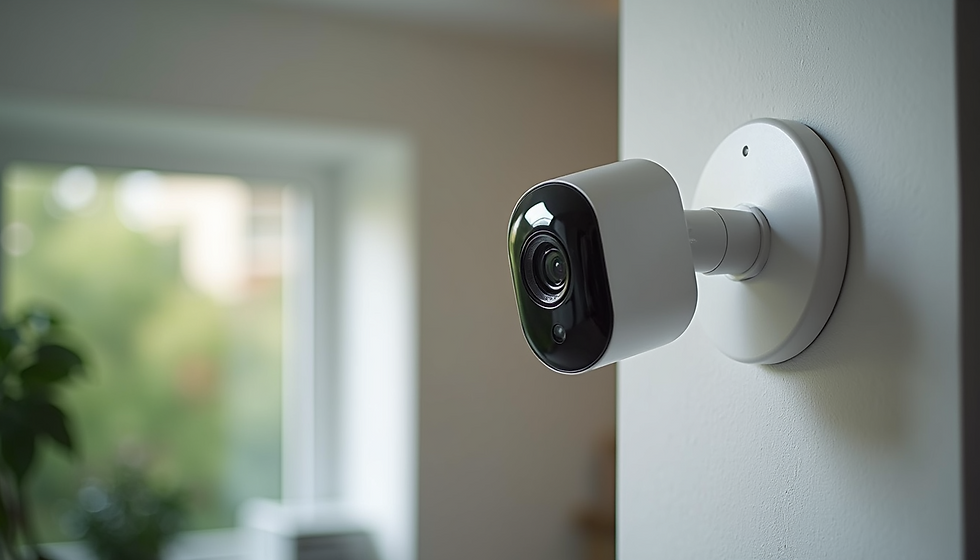
Damage sensitive electronics such as smart thermostats, security cameras, and voice assistants.
Burn out circuit breakers and fuses, causing power outages or unsafe electrical conditions.
Melt or char wiring insulation, increasing the risk of electrical fires.
Disrupt communication networks that connect smart devices.
Cause data loss or corruption in connected devices.
Smart homes rely on interconnected devices and complex wiring, so a lightning strike can have a domino effect, damaging multiple systems at once.
Common Signs of Lightning Damage to Watch For
After a thunderstorm, check your home for these warning signs:
Burn marks or melted plastic around outlets, switches, or electrical panels.
Tripped circuit breakers that won’t reset or repeatedly trip.
Non-functioning smart devices or devices that behave erratically.
Flickering or dimming lights when devices are turned on.
Unusual smells like burning plastic or ozone near electrical outlets.
Power surges that cause appliances to shut down or reset.
Damaged or scorched wiring visible in accessible areas.
If you notice any of these signs, it’s important to act quickly to prevent further damage or hazards.
Step-by-Step Guide to Assessing Lightning Damage
Ensure safety first
Before inspecting, turn off the main power supply to avoid electric shock. If you smell burning or see smoke, evacuate immediately and call emergency services.
Inspect the electrical panel
Look for tripped breakers, burn marks, or melted components. Reset breakers only if there is no visible damage.
Check outlets and switches
Examine for discoloration, cracks, or melted plastic. Test outlets with a voltage tester if you have one.
Test smart devices and appliances
Power on devices one at a time. Note any that fail to start, reset unexpectedly, or show error messages.
Look for wiring damage
Inspect visible wiring in basements, attics, or crawl spaces for melted insulation or scorch marks.
Document all findings
Take photos and notes to share with your electrician or insurance company.
Call a licensed electrician
Even if damage seems minor, a professional can perform a thorough inspection and recommend repairs.
Parts to Replace After Lightning Damage
Lightning damage often requires replacing specific components to restore safety and function:
Surge protectors
These devices absorb excess voltage. Replace any surge protector that was active during the strike, as it may no longer provide protection.
Circuit breakers
Damaged breakers can fail to trip during future surges, creating fire risks. Replace any breaker that trips repeatedly or shows signs of damage.
Wiring and outlets
Melted or scorched wiring must be replaced to prevent shorts or fires. Replace damaged outlets and switches as well.
Smart home hubs and controllers
If your central smart home controller is damaged, replacing it may be necessary to restore system control.
Modems and routers
Lightning can damage communication devices, disrupting your smart home network.
Replacing these parts promptly helps restore your home’s electrical safety and smart system functionality.
Tips to Prevent Future Lightning Damage
Protecting your smart home from lightning starts with preparation:
Install whole-house surge protectors
These devices connect to your electrical panel and block high voltage surges before they reach your wiring.
Use point-of-use surge protectors
Plug sensitive electronics into surge-protected power strips for extra defense.
Ground your electrical system properly
A well-grounded system safely directs lightning energy into the earth.
Unplug devices during storms
Disconnect smart devices and appliances when you expect lightning.
Maintain lightning rods and grounding systems
If your home has lightning rods, ensure they are inspected and maintained regularly.
Consult with an electrician
Have a professional evaluate your home’s lightning protection and recommend upgrades.
Taking these steps reduces the risk of damage and gives you peace of mind during storms.
Conclusion: Safeguarding Your Smart Home
In conclusion, safeguarding your smart home from lightning damage is essential. By understanding the risks and taking preventive measures, you can protect your investment. Remember, if you notice any signs of damage, act quickly. Your home deserves the best protection possible.
With these insights, you can enjoy the benefits of smart home technology while ensuring your safety and peace of mind. Don't hesitate to reach out to professionals for assistance. Together, we can create a secure and efficient living space.

Comments